
What Is a CRM? A Complete Guide for Growing Businesses
- Reading Time : 10 min
- Category : Buisness Automations
- Updated Date : 06-08-2026
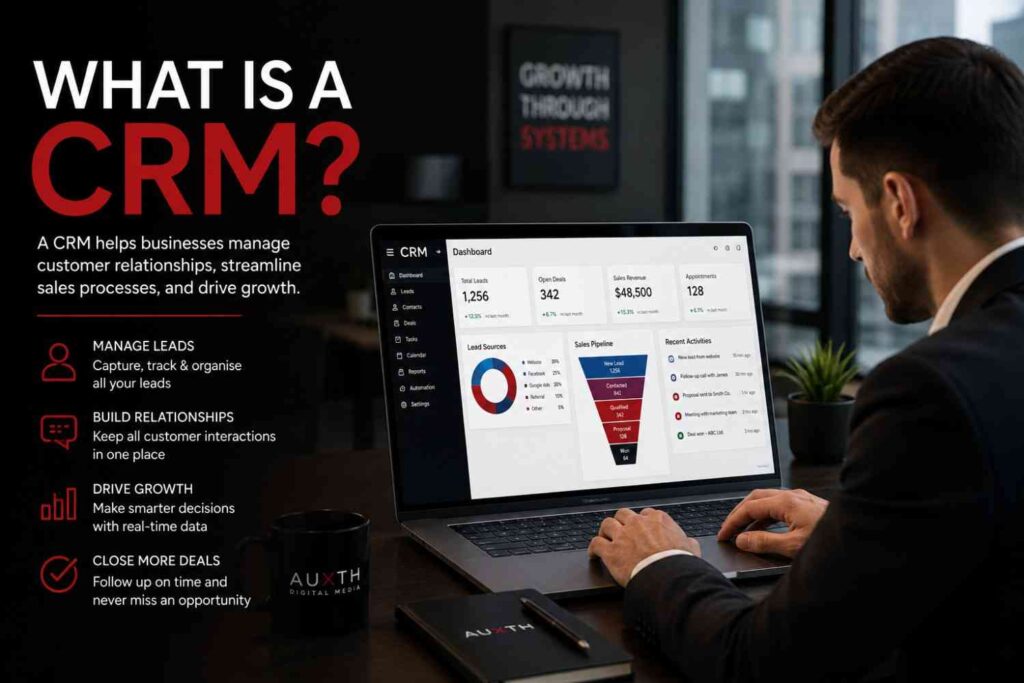
Table Of Content
- What Is a CRM?
- Why Businesses Need a CRM
- How a CRM Works
- Key Benefits of Using a CRM
- Features to Look for in a CRM
- Who Should Use a CRM?
- Common CRM Mistakes to Avoid
- Final Thoughts
Introduction
Imagine receiving dozens of enquiries every week through your website, social media, emails, and phone calls, but struggling to remember who needs a follow-up, who requested a quote, or which customer is ready to buy.
This is a common challenge for growing businesses. As enquiries increase, spreadsheets, notebooks, and scattered conversations quickly become difficult to manage. Opportunities are missed, customer experiences become inconsistent, and sales begin to suffer.
A Customer Relationship Management (CRM) system solves this problem by giving businesses one central place to manage every lead, customer, conversation, and sales opportunity.
In this guide, we’ll explain what a CRM is, how it works, and why it has become an essential tool for businesses looking to scale efficiently.
What Is a CRM?
A CRM (Customer Relationship Management) system is software that helps businesses organise, track, and manage interactions with prospects and customers throughout their entire journey. Instead of storing information across multiple spreadsheets, inboxes, and messaging apps, a CRM keeps everything in one secure location. A CRM typically stores:
- Customer contact details
- Sales enquiries
- Communication history
- Follow-up activities
- Appointments
- Quotes and proposals
- Purchase history
- Notes from your team
This gives everyone in your business access to accurate, up-to-date customer information whenever they need it.
Why Businesses Need a CRM
As businesses grow, managing customer relationships manually becomes increasingly difficult. Without a CRM, businesses often experience:
- Missed follow-ups
- Duplicate customer records
- Poor communication between team members
- Lost sales opportunities
- Limited visibility into sales performance
- Inconsistent customer experiences
A CRM creates structure around your sales process, ensuring that every enquiry is tracked and every customer receives consistent attention.
How a CRM Works
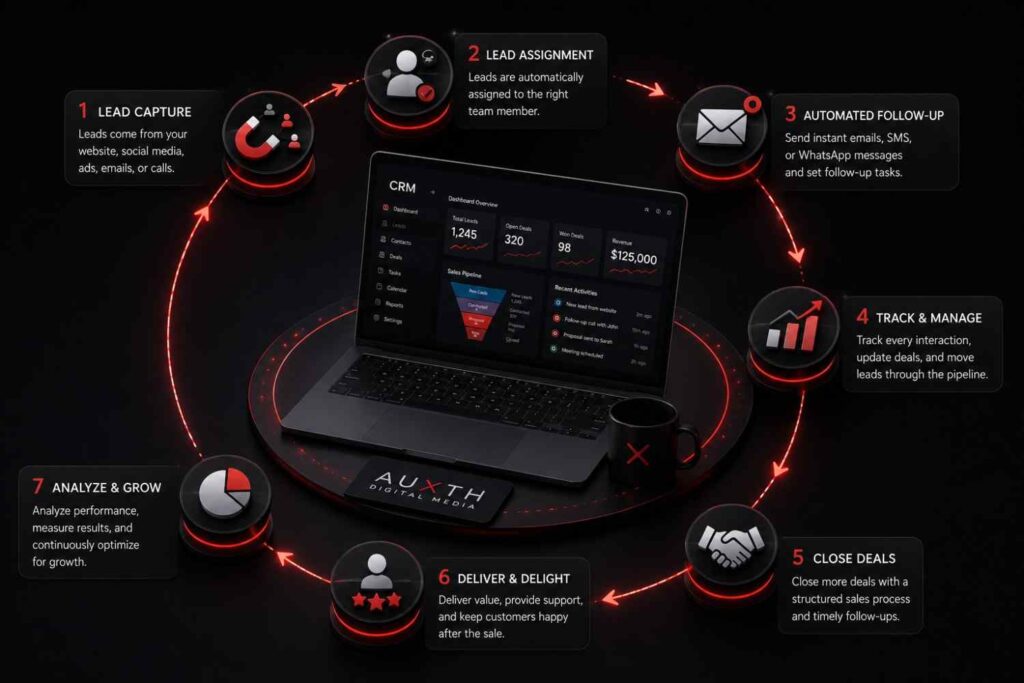
A CRM acts as the central hub for your customer journey. A typical workflow looks like this:
- A customer submits a form on your website.
- The CRM automatically creates a new contact.
- The lead is assigned to a salesperson.
- Automated emails or SMS messages acknowledge the enquiry.
- Follow-up reminders are scheduled.
- The salesperson updates the deal as conversations progress.
- Reports track conversion rates and sales performance.
Every interaction is recorded, allowing your team to see the complete history of every customer relationship.
Key Benefits of Using a CRM
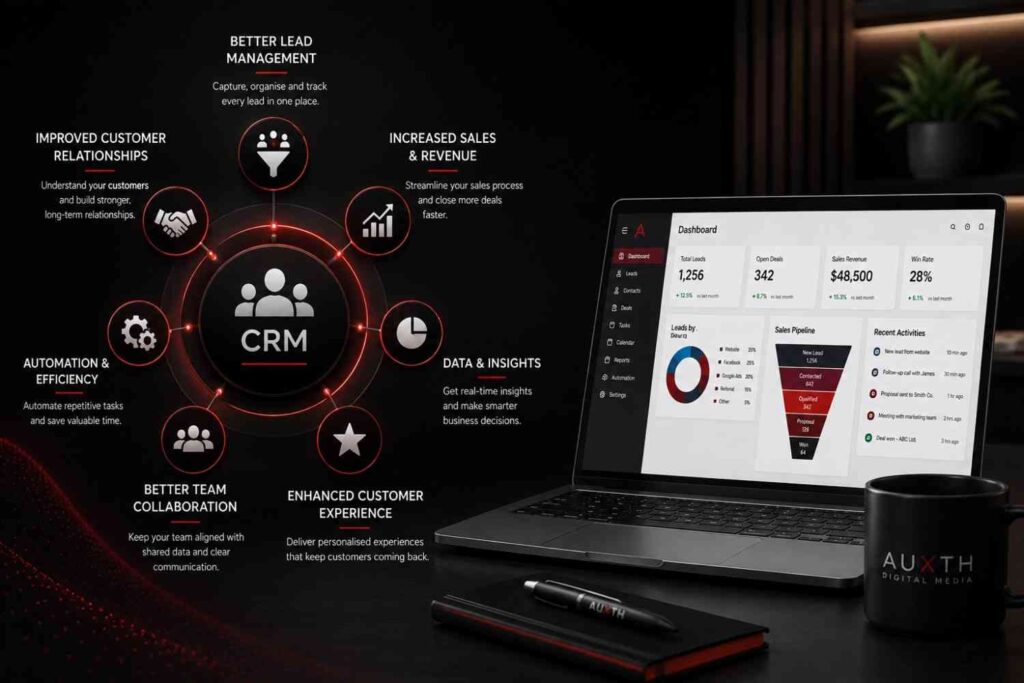
Better Lead Management
Every enquiry is captured and organised, reducing the risk of losing potential customers.
Faster Response Times
Automated notifications and workflows help your team respond quickly, improving customer satisfaction.
Improved Team Collaboration
Everyone works from the same customer information, eliminating confusion and duplicate work.
Increased Sales
Structured sales pipelines help businesses focus on the right opportunities and close more deals.
Stronger Customer Relationships
Having a complete view of each customer’s history allows businesses to provide more personalised service.
Better Reporting
CRMs provide dashboards and reports that show sales performance, lead sources, conversion rates, and business trends.
| Business Activity | Without a CRM | With a CRM |
|---|---|---|
| Lead Tracking | Spreadsheets, emails, sticky notes | Centralised contact database |
| Customer Follow-Up | Manual reminders and forgotten tasks | Automated reminders and workflows |
| Sales Visibility | Limited visibility into opportunities | Real-time sales pipeline tracking |
| Team Collaboration | Information scattered across departments | Shared customer history and notes |
| Customer Experience | Inconsistent communication | Personalised and consistent interactions |
| Business Reporting | Manual reports with limited insights | Real-time dashboards and performance analytics |
Features to Look for in a CRM
Not every CRM offers the same capabilities. When evaluating a solution, look for features such as:
- Contact management
- Sales pipelines
- Task management
- Email integration
- SMS automation
- Appointment scheduling
- Marketing automation
- Reporting dashboards
- Workflow automation
- Customer segmentation
- Team collaboration tools
Choosing a CRM that can grow alongside your business helps avoid switching platforms later.
Who Should Use a CRM?
A CRM benefits almost every industry, including:
- Professional service firms
- Healthcare providers
- Real estate agencies
- Construction companies
- Marketing agencies
- E-commerce businesses
- Educational organisations
- Financial services
- Consultants
- Local service businesses
Whether you manage 20 customers or 20,000, a CRM helps keep your customer relationships organised and scalable.
Common CRM Mistakes to Avoid
Many businesses invest in CRM software but fail to see results because they:
- Continue using spreadsheets alongside the CRM
- Don’t define a clear sales process
- Fail to train their team
- Ignore automation opportunities
- Neglect regular data maintenance
A CRM is most effective when it becomes the central system for managing customer relationships.
Final Thoughts
Customer expectations continue to rise, and businesses can no longer rely on manual processes to manage growing volumes of enquiries.
A CRM provides the visibility, organisation, and automation needed to deliver better customer experiences while helping teams work more efficiently.
Whether you’re looking to improve lead management, increase sales, or create stronger customer relationships, implementing the right CRM can become one of the most valuable investments your business makes.
Frequently Asked Questions
What is a CRM?
A CRM (Customer Relationship Management) system is software that helps businesses organise customer information, track interactions, manage sales opportunities, and automate follow-ups from one central platform.
Why is a CRM important for small businesses?
A CRM helps small businesses stay organised, improve customer relationships, respond to enquiries faster, and increase sales without relying on spreadsheets or manual processes.
Can a CRM automate customer communication?
Yes. Modern CRM systems can automate emails, SMS messages, appointment reminders, follow-ups, and lead nurturing workflows, saving time while ensuring consistent communication.
Is a CRM only for large businesses?
No. Businesses of all sizes benefit from a CRM. Small and medium-sized businesses often see significant improvements in organisation, efficiency, and customer retention after implementing one.
How does a CRM improve customer experience?
A CRM gives your team access to each customer’s history, preferences, and previous interactions. This allows businesses to provide faster responses, personalised communication, and more consistent service.
Looking to streamline your customer relationships?
Auxth helps businesses implement CRM systems, automate customer journeys, and build scalable processes that improve both customer experience and business growth. Get in touch to discover how the right CRM can transform your operations.
Related Articles
What Is GoHighLevel? The Complete Business Guide (2026)
Learn what GoHighLevel is, how it works, its key features, benefits, pricing, and why businesses use it to automate marketing, sales, and customer management.
10 GoHighLevel Features Every Growing Business Should Use in 2026
Discover the 10 most powerful GoHighLevel features that help businesses automate marketing, manage leads, build sales funnels, streamline customer communication, and improve efficiency, all from one all-in-one business platform.
What Is Business Automation? A Complete Beginner's Guide
Discover how business automation helps companies streamline repetitive tasks, improve productivity, reduce errors, and create more efficient workflows.