
Sales Automation: How to Build a Faster and More Efficient Sales Pipeline
- Reading Time : 10 min
- Category : Sales Process Optimization
- Updated Date : 14-09-2026
Table Of Content
- What Is Sales Automation?
- Why Sales Teams Need Automation
- 5 Areas to Automate in Your Sales Pipeline
- How to Build an Effective Sales Automation System
- Final Thoughts
Introduction
Sales teams spend a significant amount of time on activities that do not directly involve selling. Entering lead information, sending reminders, updating CRM records, scheduling appointments, checking follow ups, and moving opportunities through pipelines can all consume valuable time. This is where sales automation can make a difference.
The purpose of sales automation is not to replace salespeople. It is to remove repetitive work so sales teams can spend more time talking to prospects, understanding their needs, and closing opportunities. A well designed automation system can also make the sales process more consistent and reduce the chances of leads being forgotten.
What Is Sales Automation?
Sales automation uses technology to handle repetitive and predictable tasks within the sales process. For example, when someone submits a form, an automated workflow could:
Capture the lead → Add it to the CRM → Assign it to a salesperson → Send an initial response → Create a follow up task
Instead of requiring several manual actions, the process can happen automatically. The salesperson can then focus on the part that requires human interaction.
Why Sales Teams Need Automation
Manual sales processes often create unnecessary delays. A salesperson may forget to update an opportunity. A lead may not receive a timely follow up. An appointment may be missed because nobody sent a reminder. These problems are not necessarily caused by poor salespeople. They are often caused by processes that rely too heavily on manual work. Automation creates consistency.
| Sales Activity | Manual Process | Automated Process |
|---|---|---|
| Lead Capture | Enter information manually | Automatically create CRM record |
| Lead Assignment | Manager assigns leads | Automatically route leads |
| Follow Up | Remember to contact prospects | Trigger scheduled follow ups |
| Scheduling | Exchange messages manually | Automated booking |
| Reminders | Send individually | Automatic reminders |
| Pipeline Updates | Update records manually | Trigger updates based on activity |
5 Areas to Automate in Your Sales Pipeline
1. Lead Capture
Every new lead should enter your sales system quickly and accurately. Forms, website inquiries, social media leads, and other sources can be connected to your CRM so information does not have to be copied manually. This creates better visibility and reduces data entry.
2. Lead Follow Up
Follow up is one of the most important parts of sales, but it is also easy to overlook. Automated workflows can send appropriate messages at predefined intervals while creating tasks for sales representatives when personal contact is required. This creates consistency without removing the human element.
3. Appointment Scheduling
Back and forth communication about availability can waste time for both salespeople and prospects. A connected scheduling system can allow prospects to select an available time while automatically sending confirmation and reminder messages. This makes the process easier and reduces administrative work.
4. Pipeline Management
Automation can help keep opportunities organized. For example, an opportunity can move to a different pipeline stage after a specific action, create a task for the salesperson, or trigger a follow up when a deal has been inactive for a certain period. This gives sales teams clearer visibility into what needs attention.
5. Sales Reporting
Leaders need to understand what is happening inside the sales pipeline. Automated reporting can provide information about leads, opportunities, appointments, conversions, and sales activity without requiring employees to manually prepare every report. This allows managers to spend more time analyzing performance and improving the process.

How to Build an Effective Sales Automation System
Sales automation works best when it is built around a clear sales process. Start by defining your pipeline stages.
For example:
New Lead → Qualified → Contacted → Appointment → Proposal → Won or Lost
Then identify which activities should happen at each stage.
Ask:
• What information needs to be captured?
• Who should receive the lead?
• When should follow up happen?
• Which actions should trigger notifications?
• When should an opportunity move stages?
• Where is human involvement required?
Once these rules are clear, automation can be introduced around them. The objective is to create a system that supports the sales team rather than making the process more complicated.
Final Thoughts
Sales automation can transform a sales pipeline when it is built around the right processes. Instead of relying on employees to remember every task, businesses can automate lead capture, follow ups, scheduling, pipeline updates, reminders, and reporting. This gives sales teams more time to focus on prospects and customers while giving managers better visibility into the pipeline. The goal is not to remove people from sales. It is to remove unnecessary work from the sales process.
Frequently Asked Questions
What is sales automation?
Sales automation uses technology to handle repetitive sales tasks such as lead capture, follow ups, scheduling, notifications, and CRM updates.
Can sales automation replace salespeople?
No. The purpose of sales automation is to reduce repetitive administrative work so salespeople can focus on conversations, relationships, and closing deals.
What should businesses automate first?
Start with repetitive processes such as lead capture, initial follow ups, appointment reminders, task creation, and CRM updates.
How does automation improve the sales pipeline?
Automation can reduce delays, improve follow up consistency, organize opportunities, and give sales teams better visibility into their pipeline.
How do you measure sales automation success?
Measure metrics such as response time, appointment bookings, conversion rates, follow up completion, sales cycle length, and pipeline performance.
Build Your Sales Automation System With Auxth
Auxth helps businesses build connected systems for CRM, lead management, automated follow ups, scheduling, sales workflows, customer communication, and business automation. By connecting the right processes and tools, businesses can create a sales operation that is easier to manage and more consistent.
Ready to build a faster and smarter sales pipeline? Get in touch with Auxth and discover how sales automation can improve your business.
Related Articles
What Is GoHighLevel? The Complete Business Guide (2026)
Learn what GoHighLevel is, how it works, its key features, benefits, pricing, and why businesses use it to automate marketing, sales, and customer management.

10 GoHighLevel Features Every Growing Business Should Use in 2026
Discover the 10 most powerful GoHighLevel features that help businesses automate marketing, manage leads, build sales funnels, streamline customer communication, and improve efficiency, all from one all-in-one business platform.
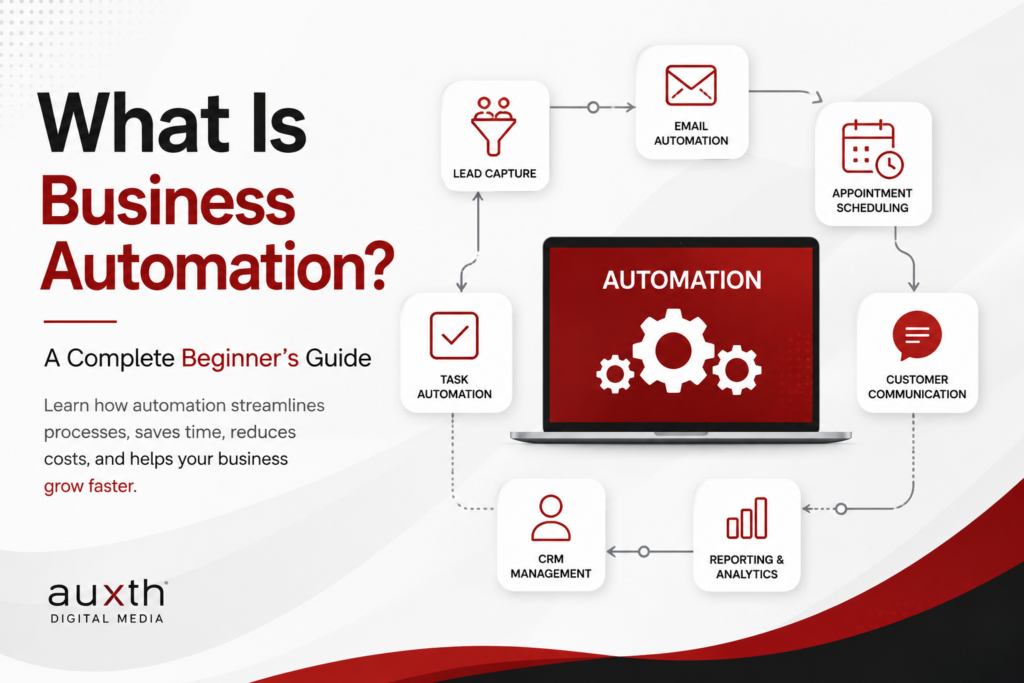
What Is Business Automation? A Complete Beginner's Guide
Discover how business automation helps companies streamline repetitive tasks, improve productivity, reduce errors, and create more efficient workflows.