
CRM Automation: How to Save Time and Increase Sales
- Reading Time : 10 min
- Category : Buisness Automations
- Updated Date : 06-08-2026
Table Of Content
- What Is CRM Automation?
- Why Businesses Need CRM Automation
- Five Powerful CRM Automations Every Business Should Use
- How CRM Automation Improves Customer Experience
- Common CRM Automation Mistakes
- Final Thoughts
Introduction
Every growing business reaches a point where manual processes begin slowing everything down. Sales teams spend hours following up with leads, sending emails, scheduling appointments, updating spreadsheets, and repeating the same tasks every day.
While these activities are essential, they shouldn’t consume valuable time that could be spent building customer relationships and closing deals.CRM automation changes this completely.Instead of relying on manual work, modern CRM systems automatically capture leads, assign tasks, send follow-up emails, schedule reminders, update sales pipelines, and nurture prospects without constant human intervention.
The result is faster responses, better customer experiences, and more time for your team to focus on meaningful conversations rather than repetitive administration.
What Is CRM Automation?
Without automation, businesses often struggle with:
- Forgotten follow-ups
- Slow response times
- Inconsistent customer communication
- Human error
- Missed sales opportunities
- Administrative overload
CRM automation ensures that every enquiry receives attention immediately while keeping your sales process organised and efficient.
Why Businesses Need CRM Automation
Research consistently shows that businesses responding quickly to enquiries are more likely to win new customers. A CRM helps by:
- Sending instant confirmation emails
- Automatically notifying sales teams
- Scheduling follow-up reminders
- Automating SMS responses
- Tracking customer communication history
Instead of manually checking emails throughout the day, your team receives immediate visibility into new opportunities.

Five Powerful CRM Automations Every Business Should Use
1. Lead Capture Automation
Every enquiry from your website, landing pages, or social media is automatically added to your CRM without manual data entry.
Benefits include:
- No lost leads
- Instant notifications
- Centralised customer records
- Faster response times
2. Automated Follow-Up Sequences
Instead of remembering when to contact prospects, the CRM sends scheduled emails or SMS messages automatically.
Examples include:
- Welcome emails
- Proposal reminders
- Appointment confirmations
- Re-engagement campaigns
3. Task & Reminder Automation
Whenever a customer reaches a specific stage, the CRM automatically creates tasks for your team.
Examples:
- Call tomorrow
- Send proposal
- Schedule meeting
- Request testimonial
Nothing falls through the cracks.
4. Sales Pipeline Automation
As customers complete actions, deals automatically move through your sales pipeline.
For example:
New Lead → Qualified → Proposal Sent → Negotiation → Won
This keeps your pipeline accurate without constant manual updates.
5. Customer Nurturing
Not every lead is ready to buy immediately.
Automation allows businesses to educate prospects over time using:
- Educational emails
- Helpful resources
- Case studies
- Newsletters
- Offers
When they’re ready to purchase, your business remains top of mind.
| Business Task | Manual Process | CRM Automation |
|---|---|---|
| Lead Capture | Enter customer details manually | Automatically imports every enquiry |
| Follow-Up Emails | Send individually | Triggered automatically |
| Appointments | Manual scheduling | Automatic booking & reminders |
| Sales Pipeline | Updated manually | Moves automatically between stages |
| Customer Communication | Depends on staff availability | Consistent automated communication |
How CRM Automation Improves Customer Experience
Customers appreciate businesses that communicate quickly and consistently. Automation helps by:
- Responding immediately
- Confirming appointments
- Sending reminders
- Following up after purchases
- Collecting feedback
- Requesting reviews
This creates a smoother customer journey while reducing workload for your team.
Common CRM Automation Mistakes
Automation should enhance relationships, not replace them. Avoid:
- Over-automating every interaction
- Sending irrelevant messages
- Ignoring personal follow-ups
- Building overly complex workflows
- Failing to review automation performance
The best automation supports your team while maintaining a human experience.
Final Thoughts
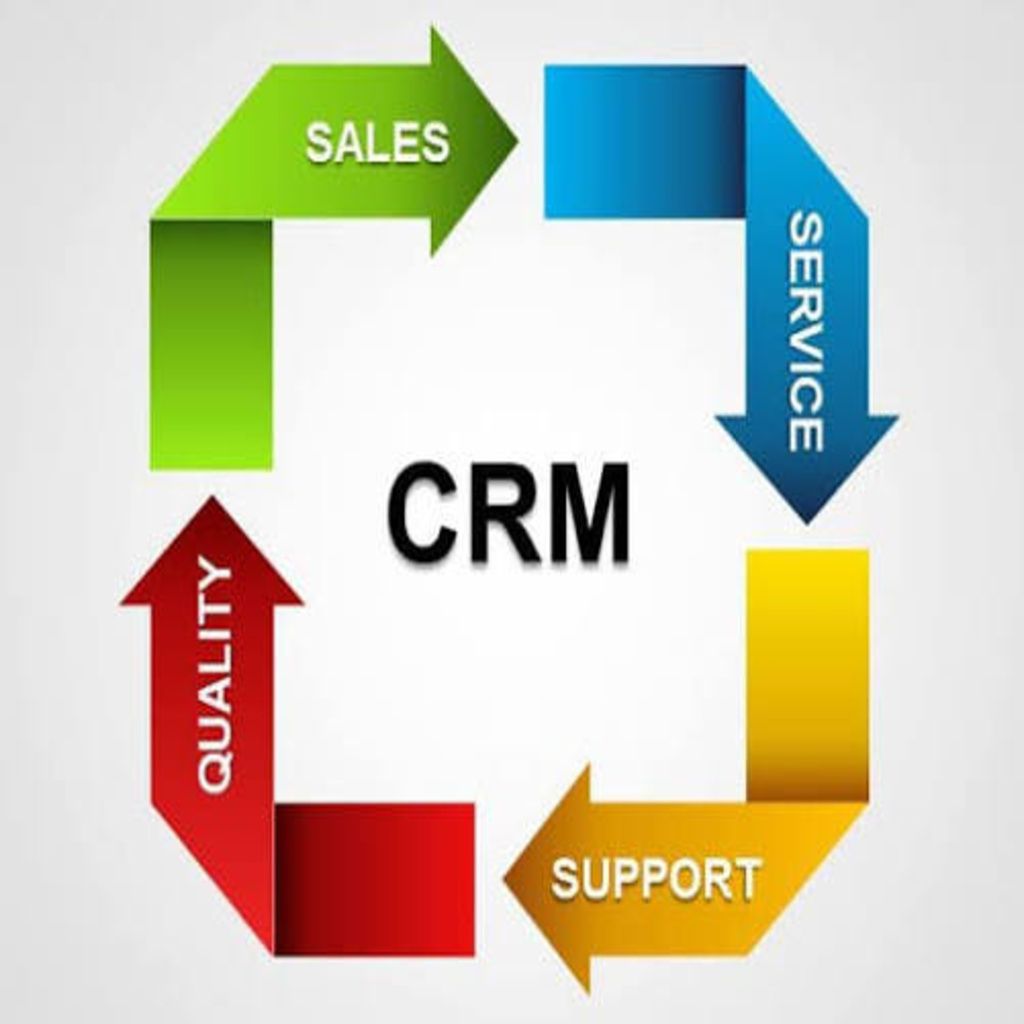
CRM automation isn’t about removing people from the sales process, it’s about removing repetitive work. When routine tasks are handled automatically, your team can focus on building relationships, solving customer problems, and growing the business. Whether you’re managing ten enquiries or thousands each month, automation creates a scalable foundation that saves time, improves consistency, and increases revenue.
Frequently Asked Questions
What is CRM automation?
CRM automation uses predefined workflows to automatically perform repetitive customer management, sales, and marketing tasks.
Can CRM automation improve sales?
Yes. Automation ensures faster responses, consistent follow-ups, and better lead management, all of which contribute to higher conversion rates.
What tasks can a CRM automate?
Common automations include lead capture, follow-up emails, SMS messages, task creation, appointment reminders, pipeline updates, and customer nurturing.
Is CRM automation suitable for small businesses?
Absolutely. Small businesses often benefit the most because automation reduces manual work and helps teams operate more efficiently.
Does CRM automation replace salespeople?
No. It removes repetitive administrative tasks so sales professionals can spend more time building relationships and closing deals.
Ready to automate your customer journey?
Auxth helps businesses build intelligent CRM automation systems that capture leads, nurture prospects, automate follow-ups, and streamline operations so your team can focus on growth.
Related Articles
What Is GoHighLevel? The Complete Business Guide (2026)
Learn what GoHighLevel is, how it works, its key features, benefits, pricing, and why businesses use it to automate marketing, sales, and customer management.
10 GoHighLevel Features Every Growing Business Should Use in 2026
Discover the 10 most powerful GoHighLevel features that help businesses automate marketing, manage leads, build sales funnels, streamline customer communication, and improve efficiency, all from one all-in-one business platform.
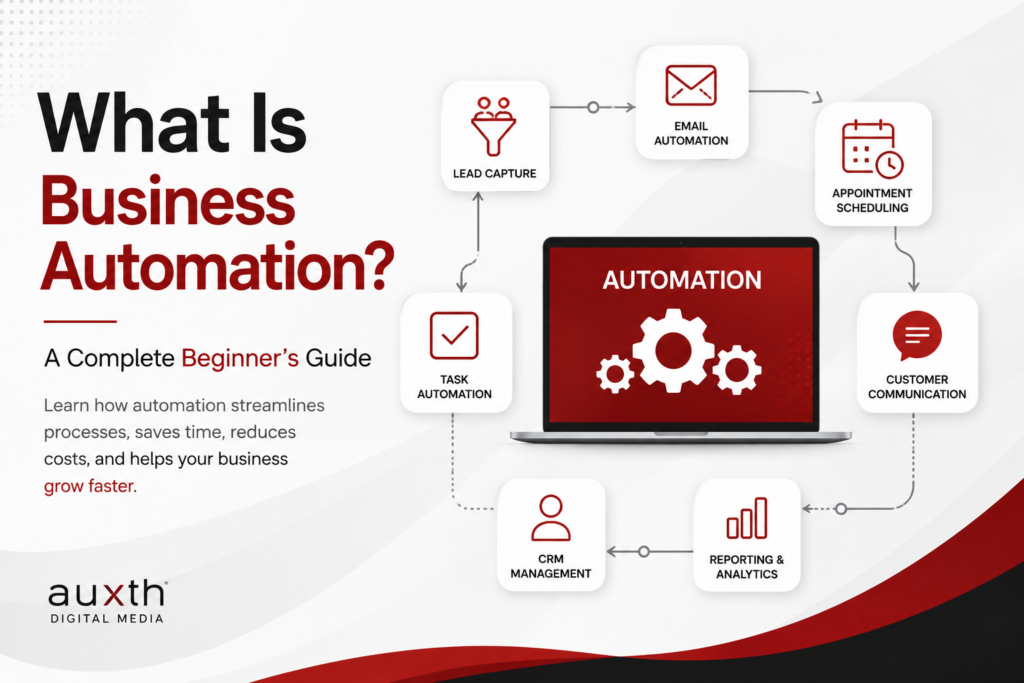
What Is Business Automation? A Complete Beginner's Guide
Discover how business automation helps companies streamline repetitive tasks, improve productivity, reduce errors, and create more efficient workflows.